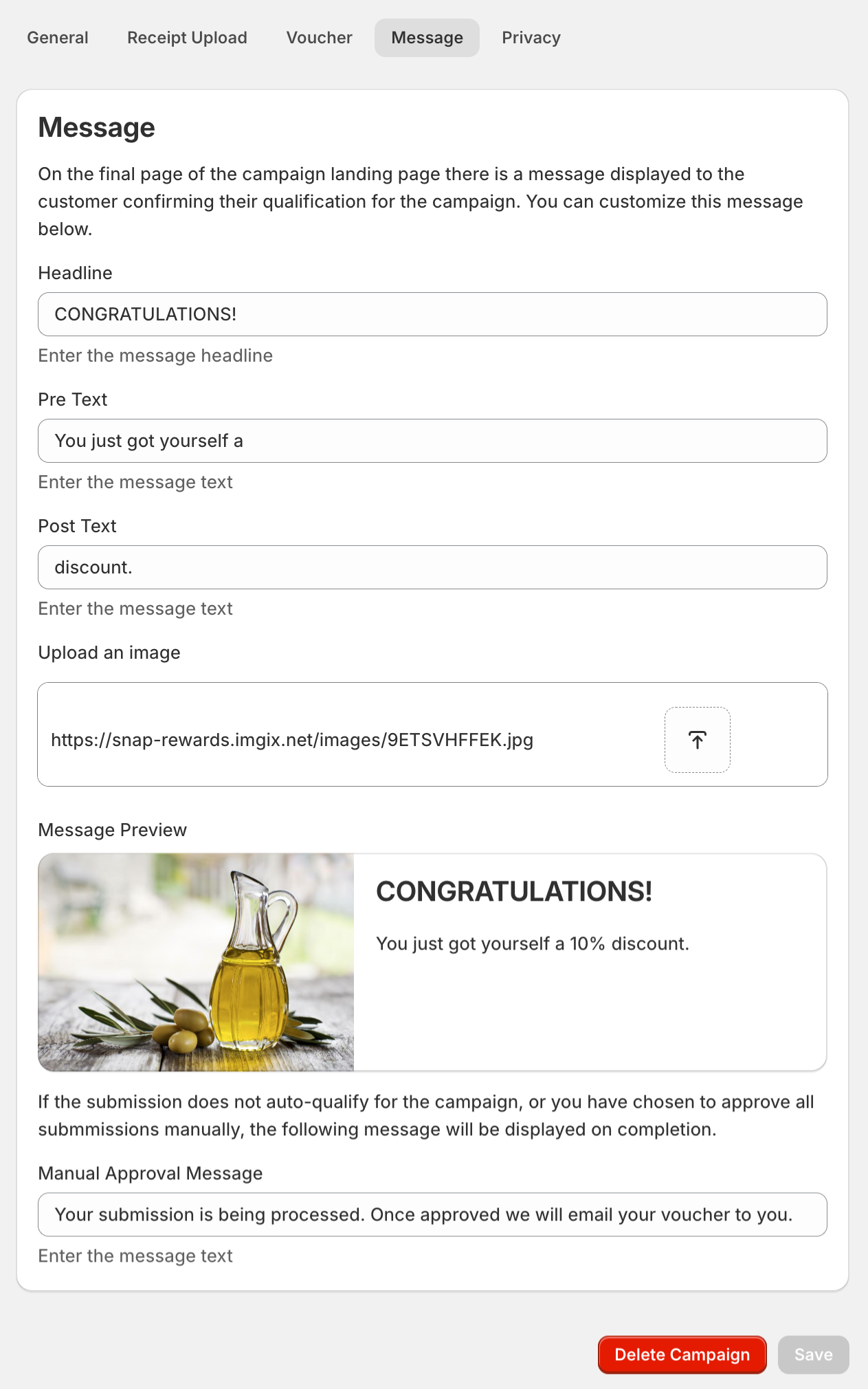
On the final page of the Campaign Landing Page there is a message displayed to the customer confirming their qualification for the campaign, the Message tab allows you to configure these messages.
At the bottom of the screen there is a message preview section that allows you to see how the message will display to the user. A Headline, Pre Text, Post Text and an Image can be set. The details of the voucher will be inserted between the Pre Text and Post Text. For the cases where manual approval is required, a Manual Approval Message can be configured.