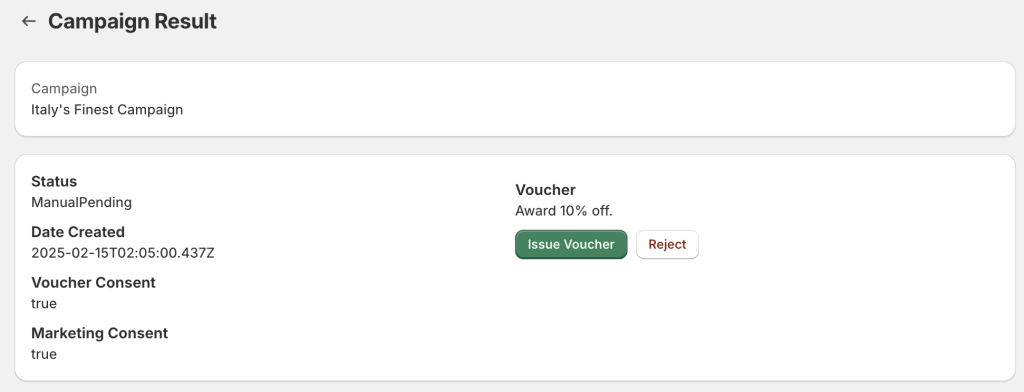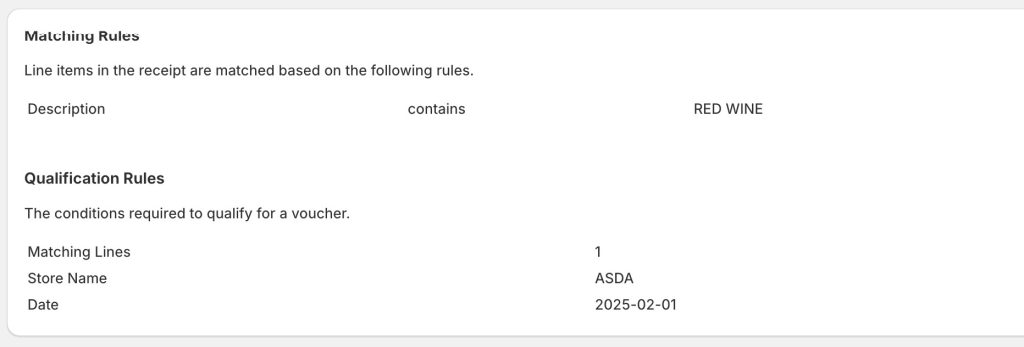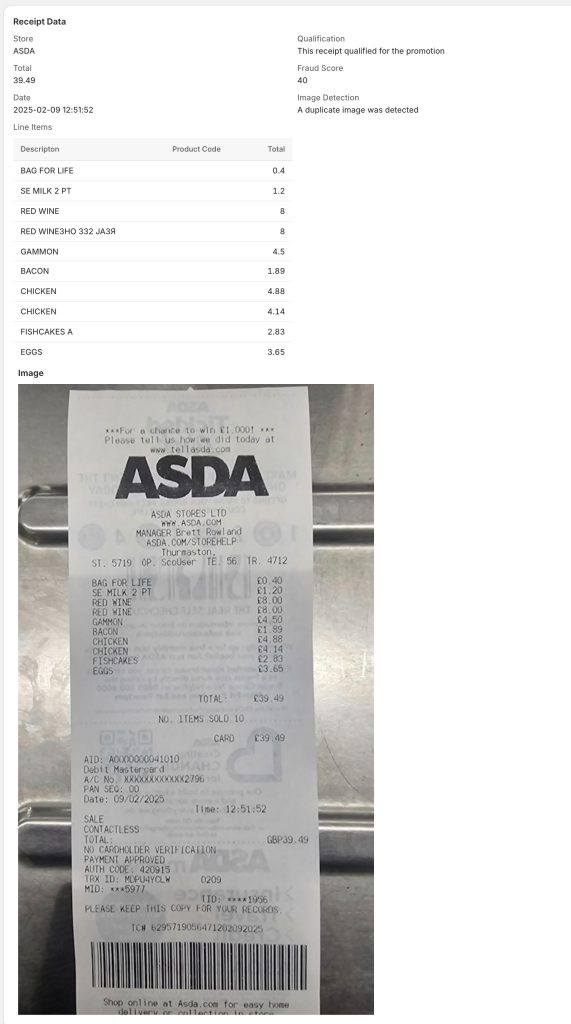

In the case where auto-validation is disabled for the campaign or a submission has not been auto-validated, manual approval is required to issue the voucher to the customer. This is done in the Campaign Result screen which displays all the details of the submission together with a button to approve or reject the submission. All the details of the submission can be checked including the qualification rules and the scanned receipt data. A determination can then. be made as whether to approve the submission by clicking on Issue Voucher the voucher, or rejecting the submission by clicking on Reject.