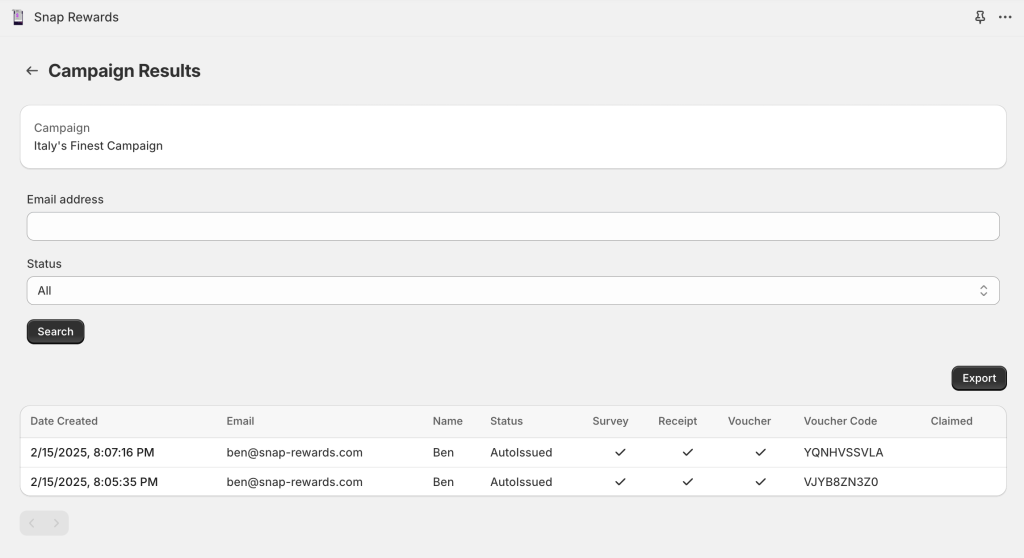
Your data can be exported on the Campaign Results screen at any time during the campaign. Data is exported in CSV format and downloaded to your computer. The format of the CSV file is:
- Created At – the date the submission was created
- Name – the name of the customer
- Email- the email address of the customer
- VoucherConsent – if the customer consented to receive a voucher
- MarketingConsent – if the customer consented to receive marketing materials
To export your data simply click Export on the Campaign Results screen.